Start with a little space.
Use this blank certificate as a starting point. Keep it as it is, or add the details that make it yours before importing it into Certly.
The image holds the fixed design. Certly places the changing names, dates, and roles on top, one row at a time.
Download free certificate templates
All templates are free to use, modify, and distribute. Right-click any template and save as PNG, or click the download button.

Certificate of Participation
A quiet starting point, with room for the name and occasion.
Hackathons · Workshops · Webinars
Download PNG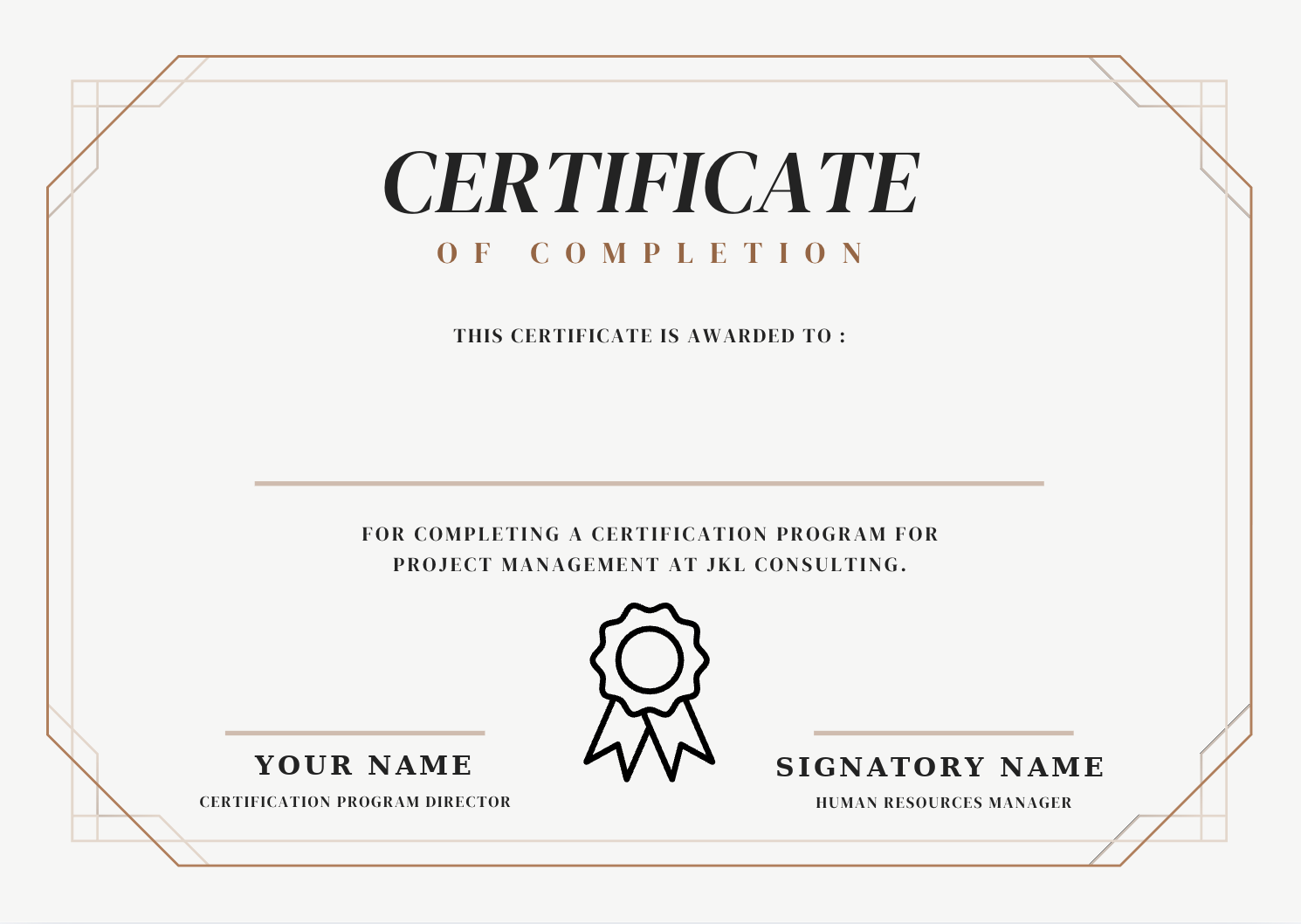
Need a custom design?
Create your own in Canva or Figma, export as PNG, and use it as your template.
Canva + Certly guide →Certificate template best practices
Leave name areas blank
The participant name, role, and event fields should be empty space in your template. Certly overlays those per row from your CSV.
Use high resolution
Export at 1920×1080px minimum for digital delivery. For print-quality use 3508×2480px (A4 at 300 DPI).
PNG over JPG for sharp text
If your template has thin text or fine borders, export as PNG to avoid JPEG compression artefacts on the overlaid fields.
Landscape works best
Traditional certificates are landscape (wider than tall). Certly handles portrait too, but most organisers use landscape.
How to use a certificate template with Certly
- 1
Download a template above
Or design your own in Canva and export as PNG.
- 2
Open Certly
No account needed. Open the tool in your browser.
- 3
Upload the template PNG
Drag the PNG file into the template upload zone.
- 4
Import your participant list
Upload CSV or paste a Google Sheets URL.
- 5
Position fields and generate
Drag name/email fields onto the canvas and click Generate.
Template ready? Generate certificates in minutes.
Open free certificate toolKeep reading
Related workflows and answers from the rest of the site.
- Full step-by-step guideThe complete walkthrough: template setup, field mapping, generation and Gmail delivery.
- Google Sheets certificate generatorPull names straight from a public Google Sheets URL instead of exporting a CSV first.
- Hackathon certificate generatorWinner, runner-up and participation batches for Devfolio, Unstop and MLH-style events.
- Certly vs CertifierAn honest side-by-side, including the cases where Certifier is the better choice.
- Certly vs CanvaWhen to use Canva for design, when to use Certly for bulk automation, and how to combine both.
- Workshop certificate generatorBest practices for creating and sending certificates to workshop participants at scale.